 When you think of Apple Maps, you probably think of the disaster that was the iOS 6 Apple Maps update.
Apple Maps is infamous for directional errors like having turn-by-turn directions that instruct users to drive across an airport runway to get to an airport. We’ve also experienced client business issues with Apple Maps.
For example, Apple Maps users were being taken to a location 50 miles away from our client’s actual listed business location when using turn-by-turn navigation in the app. We had to then figure out how to edit business information in Apple Maps, as there is no desktop way to access Apple Maps, and you can only access it through the mobile app.
The data in Apple Maps is mostly powered by data from Yelp, TomTom, Factual, Localeze, and Acxiom as you can see in Moz’s local search ecosystem. By making sure your business information is as accurate as possible on these sources, you could help avoid errors on the sites that they feed to. Often, however, when it comes to issues with Apple Maps, it’s best to figure out how to fix them at the source.

So here I’m going to walk you through how to edit information in Apple Maps via your mobile device.
Step 1:
Search for the business that you’re looking to update.
Step 2:
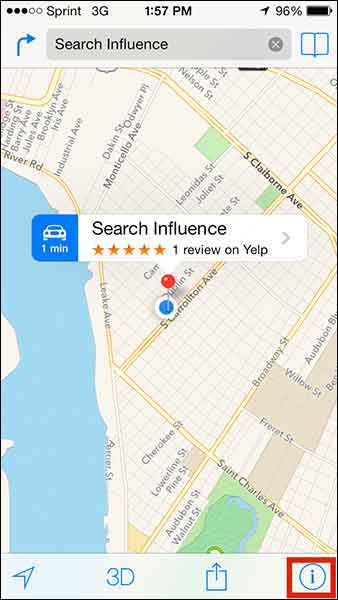
If you’re looking to add a business that is not appearing in search or to update directions that aren’t appearing properly, click on the ‘i’ (for information) icon in the bottom righthand corner. If you’re trying to edit particular business information like name or address, skip to Step 5.
Step 3:
From this popup dialog you will choose “Report a Problem”.
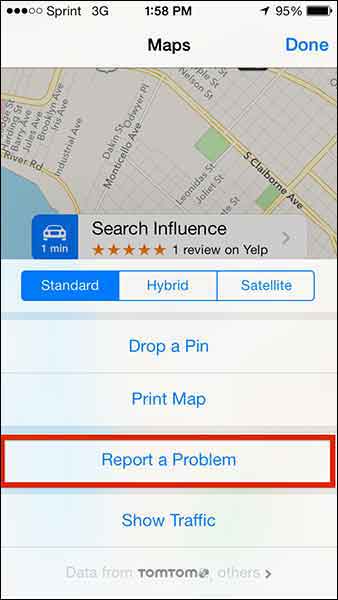
Step 4:
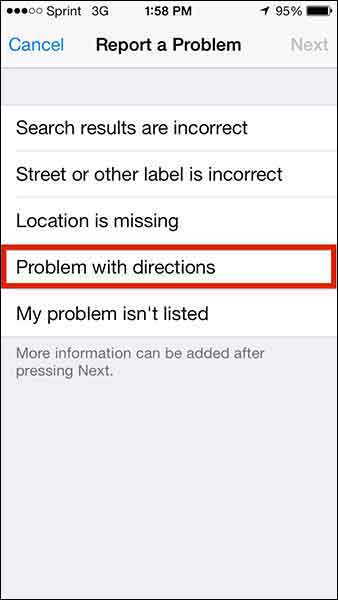
This “Report a Problem” page will allow you to choose to report that
- Search results are incorrect
- Street or other label is incorrect
- Location is missing
- Problem with directions
- My problem isn’t listed
Select your issue (in our client’s case, we chose “Problem with directions” to indicate that the map was taking people somewhere it shouldn’t in turn-by-turn directions) and submit your problem!
Step 5:
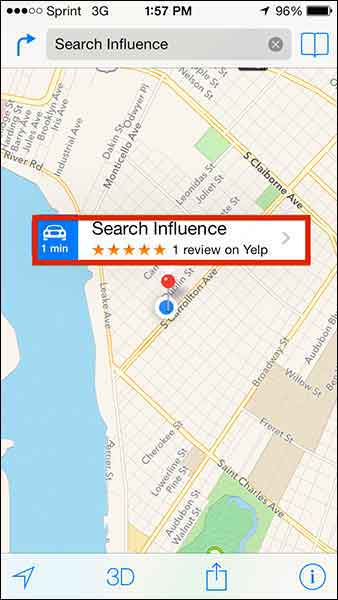
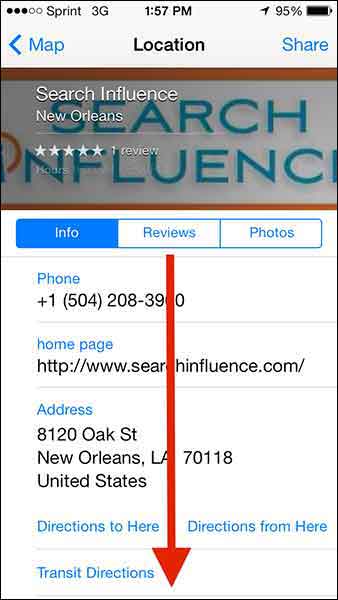
To make more specific Apple Maps updates about a particular business, click on the business name in the search results.
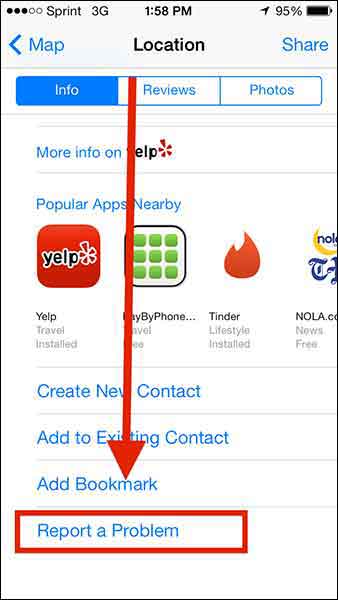
Step 6:
Then scroll down “Report a Problem” on the “Location” dialog box, and CLICK IT!
Step 7:
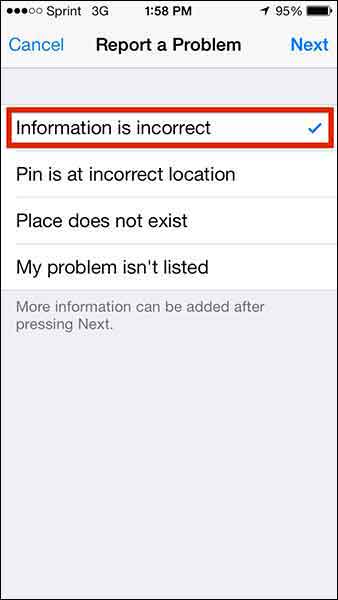
Choose from the list of issues (most likely you’ll want to report that “Information is incorrect”) and click “Next” in the top right corner.
Step 8:
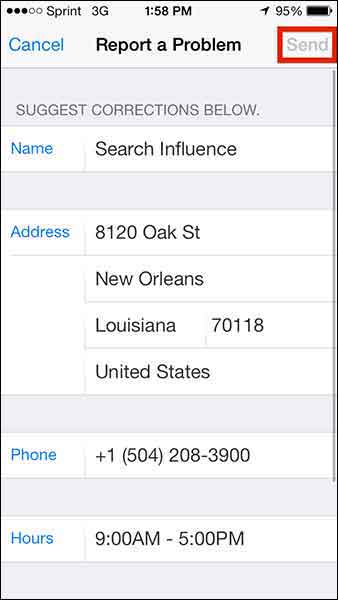
Edit whatever details you need (obviously this page will differ depending on what problem you’re reporting) and click “Send” to send the report.
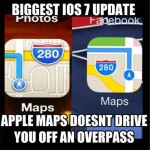 Apple maps has been gaining momentum in user numbers as it is the default app on all iPhones. Apple crushes all. It is known.
With this in mind, one can only hope that Apple Maps’ future will have a formal business portal for claiming and managing your business information, but until then, we’ll have to live with this limited access process.
 1.
1. 
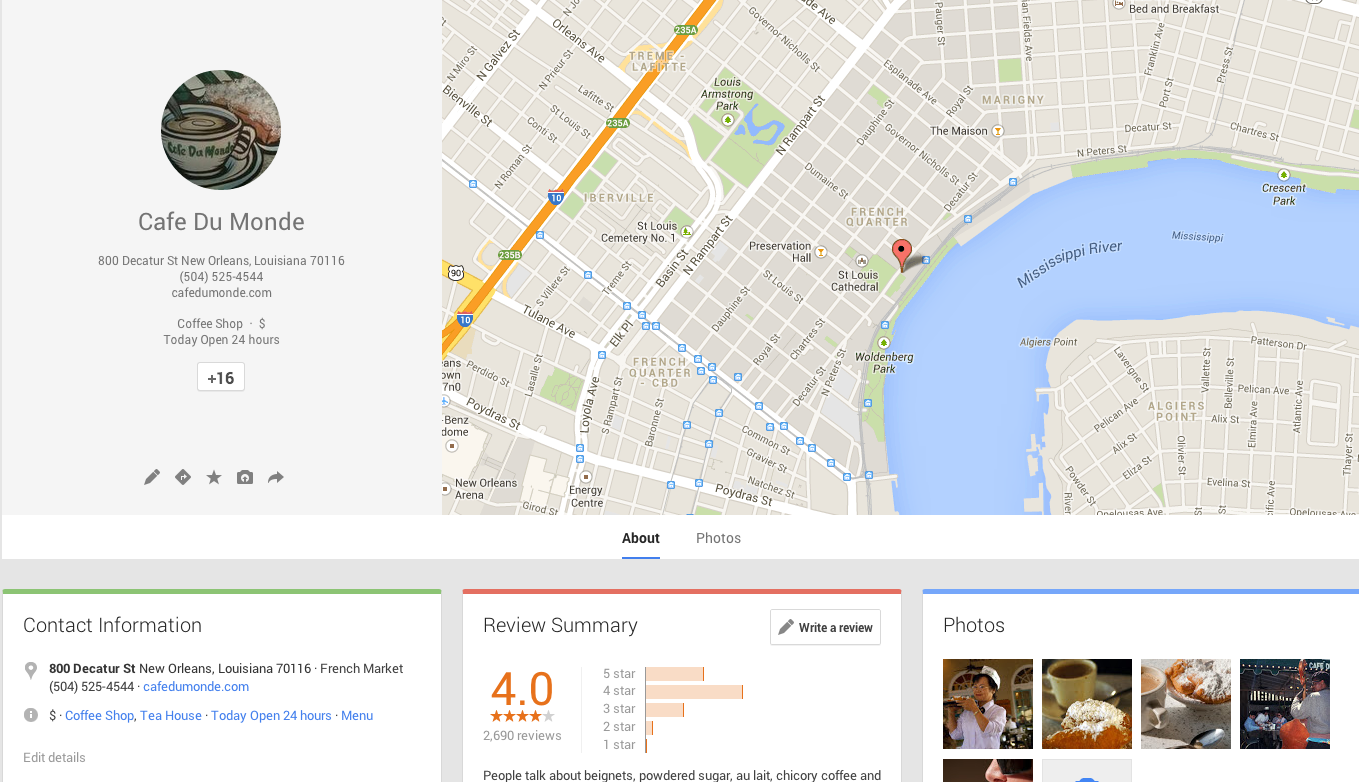
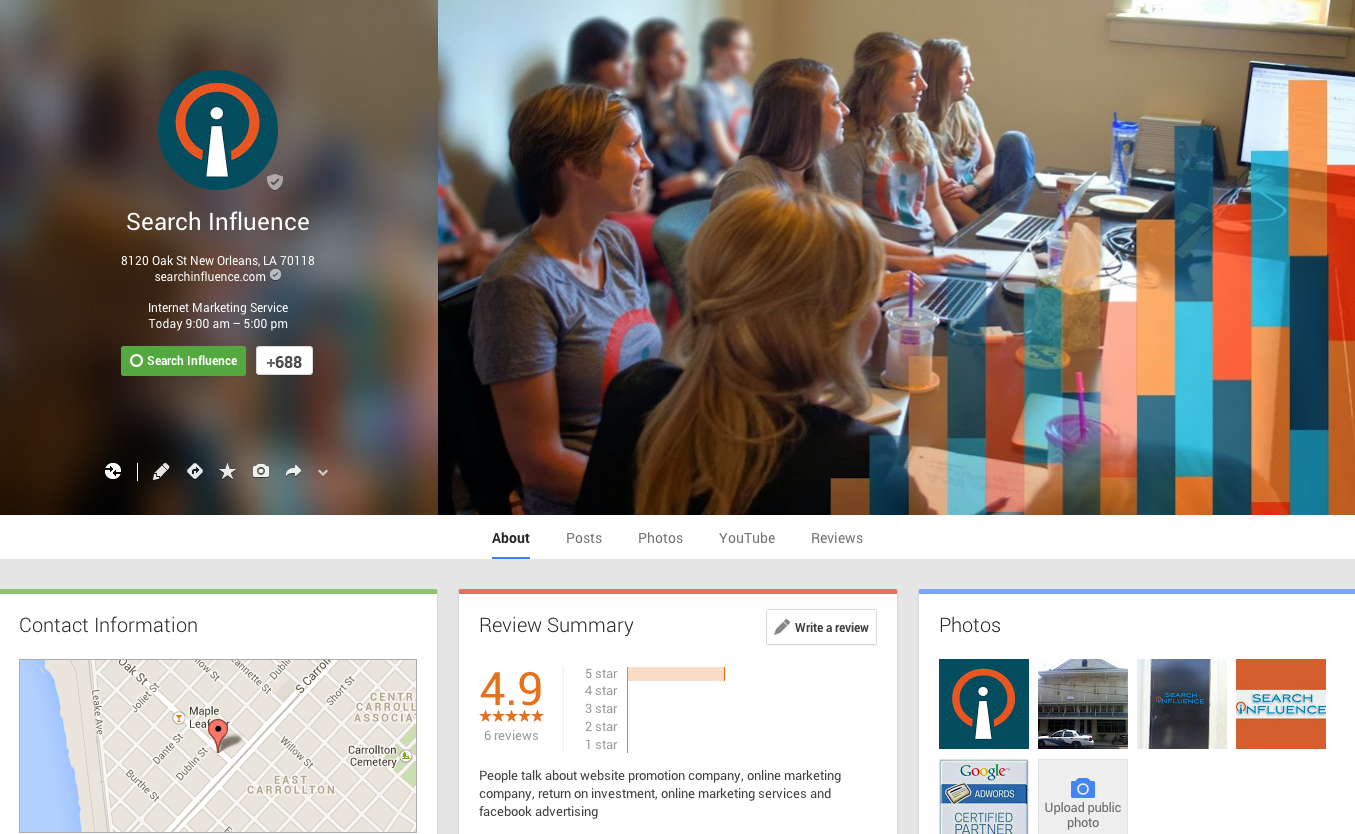

 Google is finally pulling all listings into the new Places for Business dashboard. In the old dashboard there could be multiple owners of a listing, but in the new dashboard there can only be one.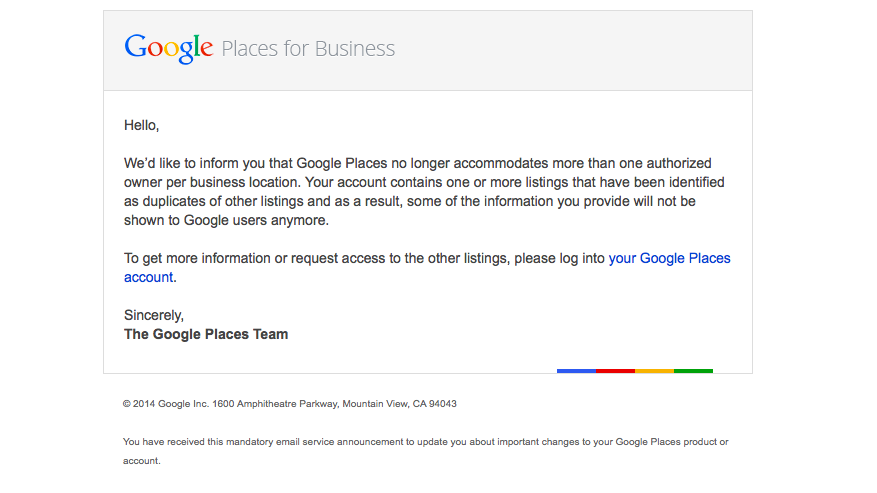
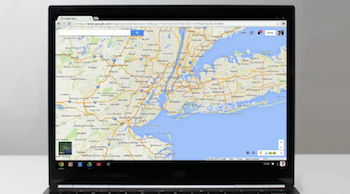
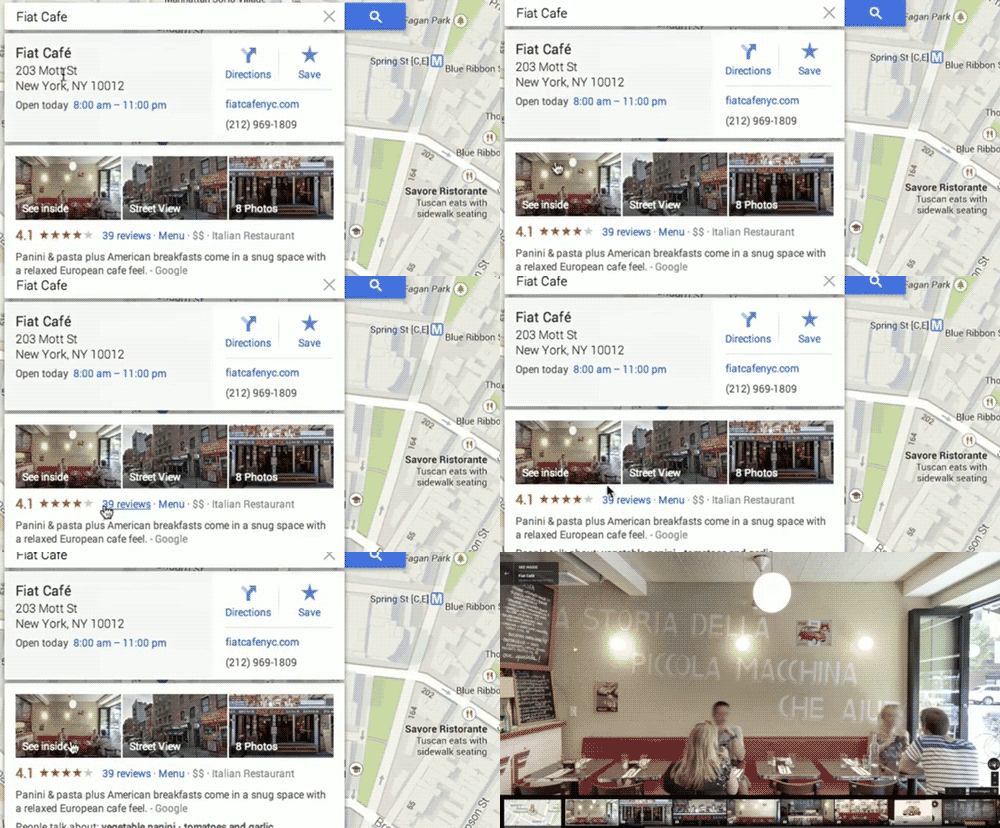






 Recently, I decided that life would be simpler if I got a Mohawk — but a nice Mohawk, one carefully mown and primped into shape by a professional. I looked up my options with Google maps. This way, I could see where the salon my friend recommended me was located, how far it was out of my daily route, and what other closer options were. Google Maps gave me a pincushion map of the New Orleans area, and I started browsing each salon along my route from work to home.