Around here we get new clients everyday. Among these, there is always one who comes to us with a website built and hosted by a proprietary CMS (content management system) developer instead of being an independently owned and maintained website.
Now, proprietary systems can be great and have some very real benefits. We absolutely see those benefits for the business owner. And we also see some of the challenges that may be things the business owner’s thinks about.
It’s a little like renting your place versus buying your place. Renting is awesome because someone else has to do the maintenance, someone else has to clean the gutters and mow the grass and fix leaking sinks. They own it, they maintain it. You’re just paying to borrow for a while. In some ways, I see signing on with a proprietary CMS a little like renting. You’re paying to borrow the system for a while, and you don’t own the website, the design or the content.
(Different systems operate differently so it’s a generalization to say you don’t own any of it. You might get to keep the content if you canceled your contract.)
Buying a house is a lot more intensive. You have to go through a learning curve and have money for the fees and down payments. You have to maintain your investment i.e. you have clean the gutters and mow the grass, or pay someone who will. But eventually you’ve invested heavily in something you own. Having an independent website is like buying a house in that you have to invest up front in a designer, and you have a learning curve of understanding hosting and getting that set up, and you have to maintain your property. You are responsible for it’s health and wellness; you own it.
Proprietary CMS vs Open Source CMS
Open source software means the source code is created by anyone and is available to anyone. The software is free, but of course custom design and hosting and maintenance is not free. An open source software platform site you build can be hosted anywhere you want, but you have to make sure the hosting service has the security you need to prevent hacking and to secure any sensitive data. Examples of open source platforms are WordPress, Joomla, and Drupal. You have to pay for design, hosting, and maintenance and version upgrades.
A proprietary CMS is developed by a firm, who will often specialize their product for a single industry. This helps them add in the security needs and hosting needs they usually see in the chosen industry. For schools which hold student information and grades, for credit unions holding account information, dentists and doctors holding patient data, having a website on an industry specific system that has nothing but schools or credit unions or doctors, is reassuring. You hope they have seen the typical website concerns specific for your industry and have addressed them for all of their similar clients. There is safety in numbers. Proprietary systems are usually a fee each month for which they provide design, hosting, maintenance and version upgrades.
Why Do Small Business Owners Like a Proprietary CMS?
There is a lot of good stuff to be said for having your website on a customized CMS.
It’s empowering. It’s the same reason why I love WordPress. It’s easy for us who don’t know how to build a website to log in and put some text in there just like we’re typing in Word or in an email, and hit a button, and it’s LIVE! Just like that. It’s always good to be able to spontaneously add in a special or a new video or whatever comes up, and I don’t have to go ask a developer to do what I know is a relatively simple edit.
It’s easy. Usually in a proprietary CMS, the hosting is part of your monthly fee. A business owner doesn’t have to understand hosting, nor does s/he have to worry with getting a hosting provider and worry that the hosting provider’s servers are secure. And design is easy. They have some templates, pick which one you want, done.
Security should already be addressed. Especially if you are going to store sensitive data which can be accessible online, a proprietary CMS is attractive. Hopefully, the system will address security concerns for all of the like businesses on their system, and the single business owner doesn’t have to worry about SSL and all of that stuff.
A proprietary system allows you to not have to manage hosting or security or system updates and maintenance. It can be a low-stress way to have a website; just be careful that you choose a development firm that will be around a while and has a solid reputation in your industry.
So Why NOT Get a Proprietary CMS Site?
It’s the standardization of these systems that often does not provide what an SEO agency needs to do the job you hired them for. It’s kinda like asking the landlord to fix a leaking sink but not allowing him a wrench nor any plumber’s tape. S/he would get the job done, but it would be twice as difficult and a little messier than if s/he had his usual tools in his toolbox.
Some of the challenges we have had with some proprietary platforms:
- Content has a character limitation. … Informative, good content is a #1 priority in ranking on Google, and if the site owner is limited, s/he is a limited resource. We never want content that is sooooo long, but I don’t want to be cut short either.
- Can’t create pretty, search engine friendly URLs. … This isn’t super imperative, but it sure is a benefit to have that ability.
- We’re limited on changes to heading tags or heading tags simply don’t exist. … Again, not a make-it-or-break-it problem, but it would be nice to have heading tags.
- Limited to adding new pages. … Ugh. This is a problem.
- Can’t change the navigation. … Not great, but we can work around it.
- Can’t change photos or images or we have to use stock images. … Bummer.
- Any unique html is not going to happen – no forms, no side widgets, no extras can be added. … That’s disappointing.
But these are some of our biggest concerns that we often come across:
— We can’t set up redirects, can’t noindex pages, can’t set a robots file, all because we don’t have FTP access.
— Cookie cutter content on every page of a site. This is a killer. If a platform has 32 dentists, the thought is that the system will provide the same content for each dentist. It’s easy and cost efficient to write it once and use it for everyone, right? Everyone who went to high school knows plagiarism is bad. Google does too. Unique, relevant content is a high priority if you want your site to rank. If your site has the same content as 31 other dentists, Google knows this and doesn’t like it. Your site will see an negative effect in rankings.
— Sometimes these platforms do not use Google Analytics for website traffic tracking. Sometimes they use some other tracking system for which we may not get access. Sometimes there is no mechanisms in place for tracking traffic. I can’t prove or disprove that the website is working if I can’t show you the data.
— Sometimes the proprietary systems don’t have built in fields for standard optimization elements such as custom page titles and meta descriptions.
— On a rare occasion, we have optimized a proprietary system website as much as we can, and the system owner does a system version upgrade or some maintenance or whatever, and all of our edits are wiped out. We normally have a copy of a client’s site in a backup file internally, and we could just roll out our backup, but with one of these systems, we often can’t make those internal backups. If our work is overwritten, we have to start over, which is a significant set back for the website ranking.
A small business owner has to look at what s/he needs in a website, and how much time s/he has to devote to it. It’s a business decision, just make sure you ask a lot of questions, and hire people you sincerely trust.
(P. S. I read just yesterday that it’s because I’m Gen X that I am all-inclusive in my pronouns “s/he.” Maybe so, but I prefer “s/he” than how I was taught to switch from he to she to he with each pronoun use. That’s just confusing.)
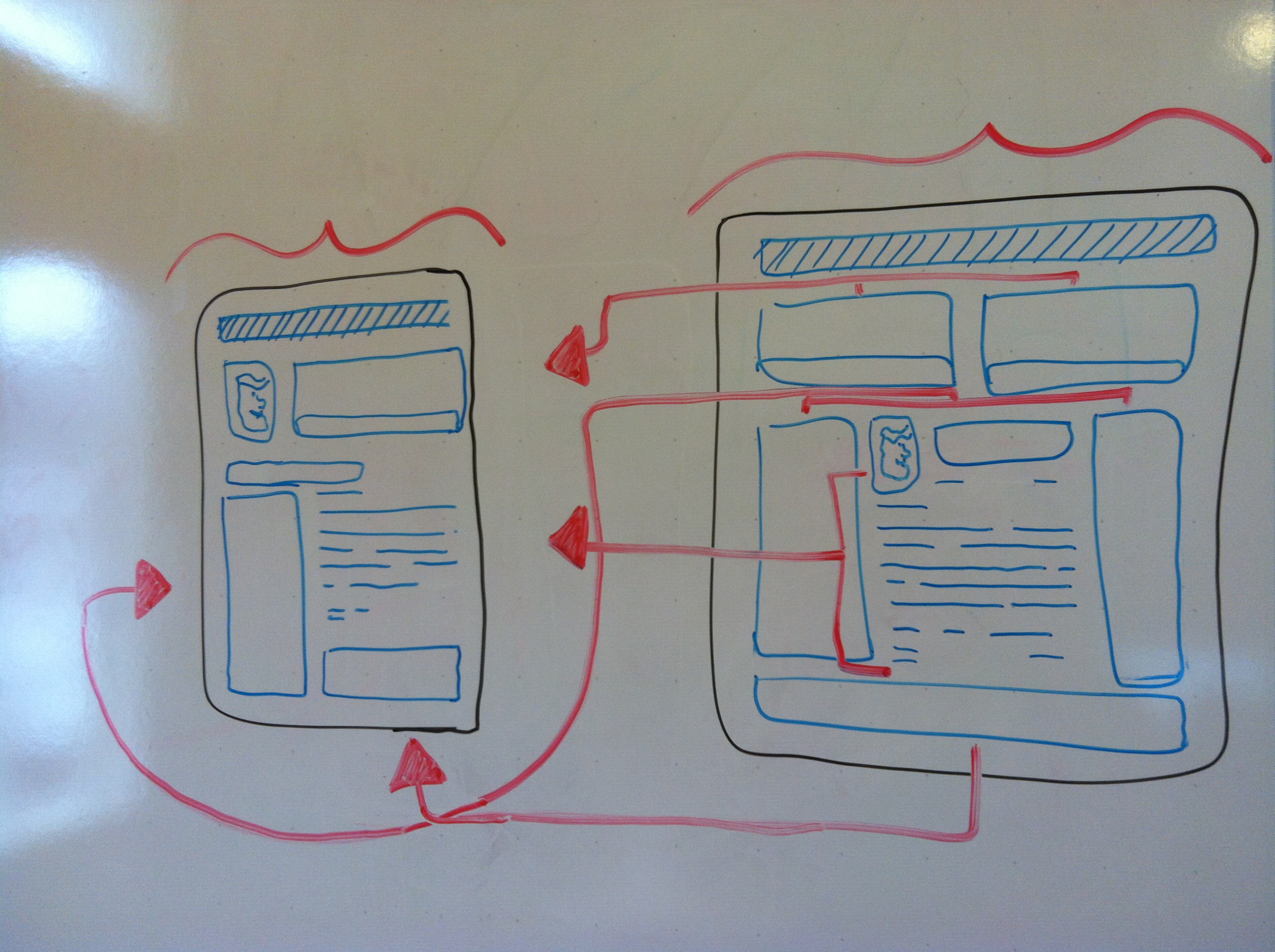
 The first way is to have your main site for desktops and an additional (smaller) site for phones, tablets, and/or ‘phablets’ (phone + tablet), which usually adds to your hosting, looking something like ‘mobil.yoursite.com.’ This works, but it doubles your content, number of domains, and space you are going to need to host such a site. Let’s not forget to mention the fact you will need to edit the mobile site every time a phone is made. Try to count how many sizes of tablets, phones, and monitors there are. Go ahead, I’ll wait. No? Me neither. Just getting up to date is enough to give a developer job security for the next decade. Or make his/her head explode.