As promised in my last blog about the new Google My Maps, I’m here today to teach you how to how to create My Maps for service area businesses (often referred to as SABs) that have highlighted boundaries of what counties or parishes they service.
Before we delve into this guide, let’s start with the basics like what exactly is a KML file. KML is the file format used to show geographic data in mapping programs. It is an XML based format and stands for Keyhole Markup Language. Now that you know what this file type is, let’s see how you can use it.
How to Use Old 2011 KML Files
Fun Fact: The U.S. Census Bureau holds kml files for all county guidelines here!
As you can see, they’re from December 2011, so any boundaries that have changed since then will be incorrect. In a very general sense however I’ve found these codes very useful in the past. Each file contains all county boundaries in one state, but the tricky part is that they don’t tell you what state it is in the file name. I went ahead and downloaded them all a long time ago and updated the file names to reflect the state they contain. It’s pretty closely in alphabetical order so if you just use a list of US states in alpha-order next to the list of files in numerical order it should match pretty closely.
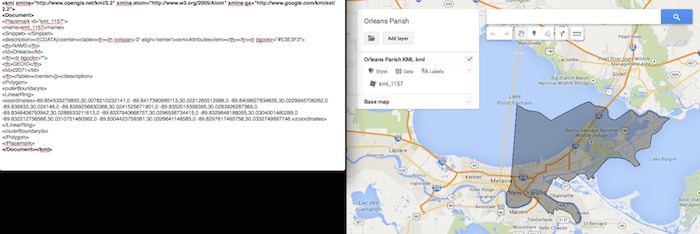
Once you’ve figured out which file contains the state you’re looking for, find the county or counties that you want to display in your map, and move it’s entire code for each county (should start with “Placemark” attribute and end with the closing of the “Placemark” attribute) just below the “Document” attribute. Once you’ve moved the boundaries you want to keep to the top of the KML file, remove all the excess counties and leave the closing attributes for “Document” and “kml” at the bottom.
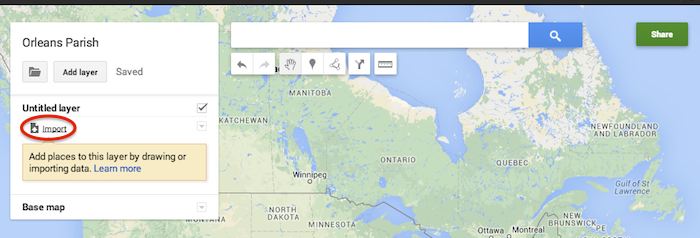
Now that you’ve successfully prepared your KML file, in My Maps, click Import on the left and choose your KML file from your computer.
See the screenshot below for an example of how your KML file should generally look if you’ve done it correctly. The screenshot shows the file for Orleans Parish of Louisiana in TextEdit and then what said file looks like imported into My Maps. (NOTE: In order to show a not so massive screenshot of the KML code, I removed about 3/4 of the coordinates. There are a massive amount of coordinates used to make up these detailed boundaries.)
How to Use New 2013 KMZ Files
The U.S. Census Bureau also has the most up to date 2013 files, which are KMZ format (note the .kmz instead of .kml extension). This is essentially zipped KML files with a .kmz extension, but if you use a Mac like me, unzipping or unpacking the zipped file is not easily achieved. The 500k file contains the most detailed boundaries out of the 3 options.
So, the way I handle this KMZ file is to open the entire file in Google Earth and export just the KML file of the areas I want displayed. To do so you’ll use the search feature of Google Earth on the left at the bottom of the “Places” window to search for and select the areas you want displayed. Since many counties have the same name you’ll want to make sure it’s showing up in the state and location it’s supposed to. Also, note that if you’re trying to add multiple counties in the same state, the Attribute number to the right of the county will be the same for all counties within the same state. This should help you easily identify the counties you’re looking for when adding multiple.
Once you’ve selected the geographic areas you want displayed on your map in the “Places” section, then save the file as a KML file by clicking File>Save>Save Place As….
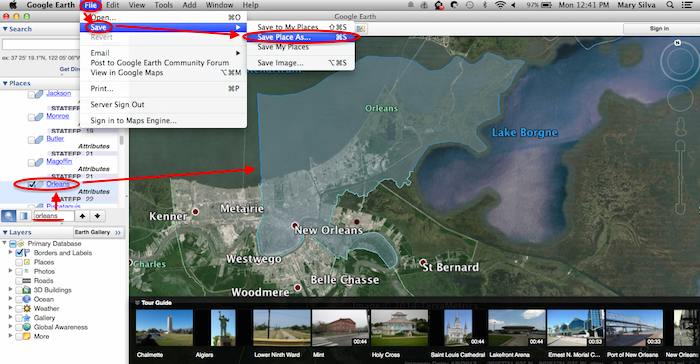
My Maps will not accept a KMZ file, so make sure to save as a KML.
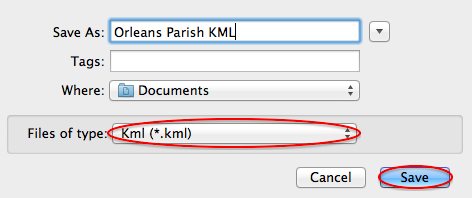
Once you’ve saved your file, follow the same steps mentioned above to import the KML file to My Maps. I’m not sure if the paid My Maps Pro is any different, but it appears to me that you cannot import multiple KML files to one My Map. So, in the event that you want to represent multiple service areas in one My Map, you’ll want to have all of the geographic area codes in one KML file.
This Google Earth process can also be used instead of manually editing the older KML file codes as shown in the first instructional section in case you don’t want to delve into the coding via text edit. It’s definitely an easier route, but for me, Google Earth can sometimes run slow when trying to handle these files and I don’t mind manually editing code.
Hopefully these steps and screenshots help out a fellow My Mapper!




 Andrea Siegel – Junior Account Associate
 Courtney Cummins – Junior Quality Assurance Specialist
 Kaitlyn Levy – Junior Internet Marketing Associate
 Lucy Stratton – Internet Marketing Associate
 Ryan Schulze – Junior Account Associate
 Sarah Jane Lowery – Junior Internet Marketing Associate
 Sarah Tan – Internet Marketing Associate
 Steven de Brueys – Account Associate
 Thousands of foodies flock to this event to eat their way through one of the best festivals of the year. You can be sure to experience every type food imaginable paired with more wine than you could possibly drink (don’t even attempt to try it all)! Taking place in the French Quarter and with restaurants all over the city participating, this festival is perfect for visitors who are looking for the best that this city has to offer while wandering the historic streets.
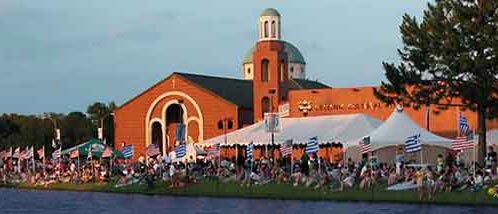 Located at one of the oldest Greek Orthodox churches in the United States, this massive mediterranean festival celebrates food, family, music, and fun. Taste traditional cuisine, enjoy Hellenic dancers, and rock your toga (or your bedsheets). Grab a souvlaki and learn the Zorba with 20,000 of your closest friends!
 The last weekend of the May is, in my opinion, the best weekend of the year! The oyster eating contest, the shucking competition, and the largest oyster contest are just a few events that take place during this weekend event. Paired with local music and libations, the oysters are in peak seasons and couldn’t be tastier! There is no wrong way to enjoy your bucket of oysters – raw, grilled, or on a cracker. Bring your friends, your appetite, and shuck on!
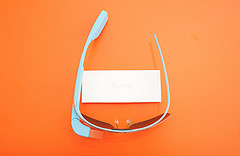 Optimizing for Wearable Technology might also be a big part of the future. Google Glasses and Fit Bits are just the beginning when it comes to this trend; think watches that control your home, clothing-embedded phone chargers, (and even wearable couture in the form of solar-powered color-changing clothes!). Nobody knows exactly what the trajectory of wearable technology will be, or how in the world we would optimize for it (!), but it definitely makes sense to stay on top of the learning curve when it comes to these advances.
 Google Wallet
 It’s 4:30 PM on a Monday and where is Search Influence? On our way to the Pelicans vs. Nets game! It already did not feel like a typical Monday because Jack Black was filming a movie on the first floor of our building in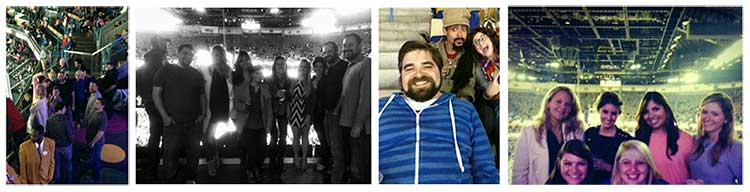
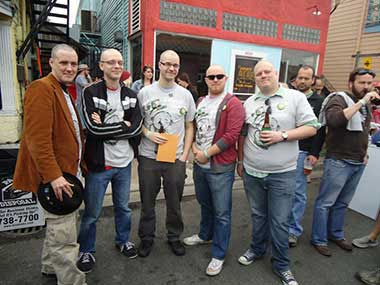

 Here in New Orleans, we celebrate a few extra holidays.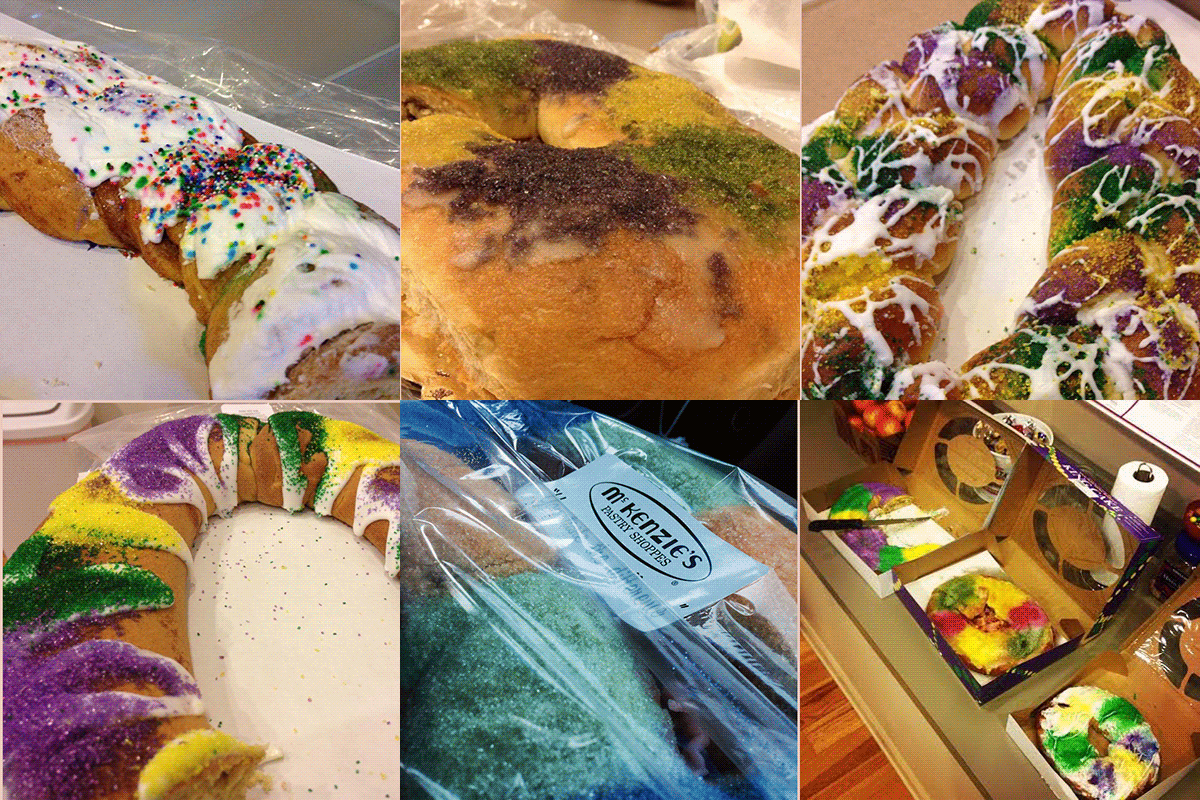
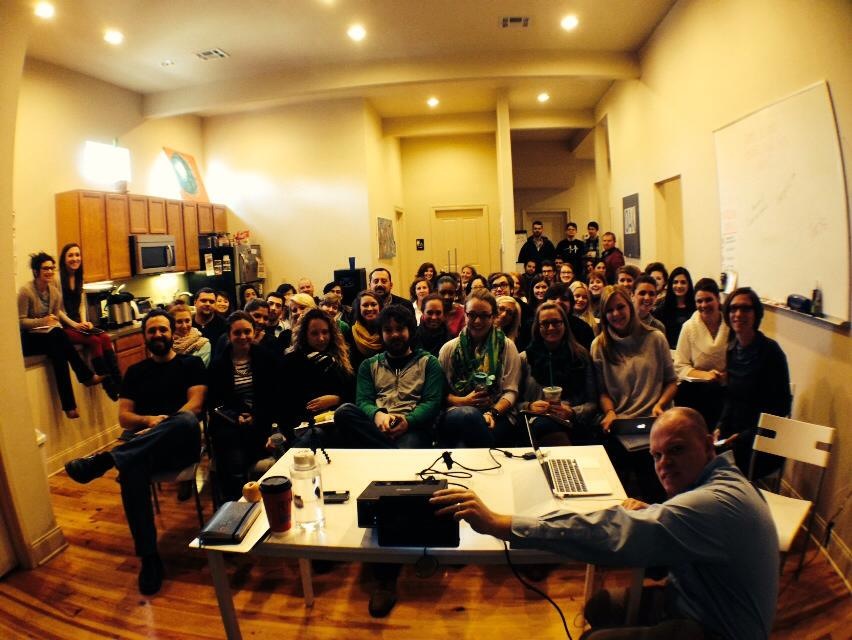
 Lunchtime is something we take very seriously here at SI. Every Influencer has their favorite lunch spot – whether it’s